
# Plan Comparison
By purchasing a paid plan (Pro or Elite), you not only get advanced functionality and exclusive support, but also make a contribution to the further project development.
| Feature | Free | Pro | Elite |
|---|---|---|---|
| GTO Library | Limited* | ✓ | ✓ |
| Editor | Limited* | ✓ | ✓ |
| Viewer | Limited* | ✓ | ✓ |
| Trainer | Limited** | ✓ | ✓ |
| Export (per range) | ✓ | ✓ | ✓ |
| Export (all ranges) | — | ✓ | ✓ |
| Import (per range) | Limited* | ✓ | ✓ |
| Import .fbrange2 config | — | ✓ | ✓ |
| Mass Import from HRC | — | ✓ | ✓ |
| Import Hands | — | — | ✓ |
| MDA | — | — | ✓ |
| Ranges limit | 5,000 | 10,000 | 25,000 |
* On the Free plan, you can manage ranges with 2 colors and no weights only.
** On the Free plan, you can train up to 50 hands / 5 ranges per day.
# Pro
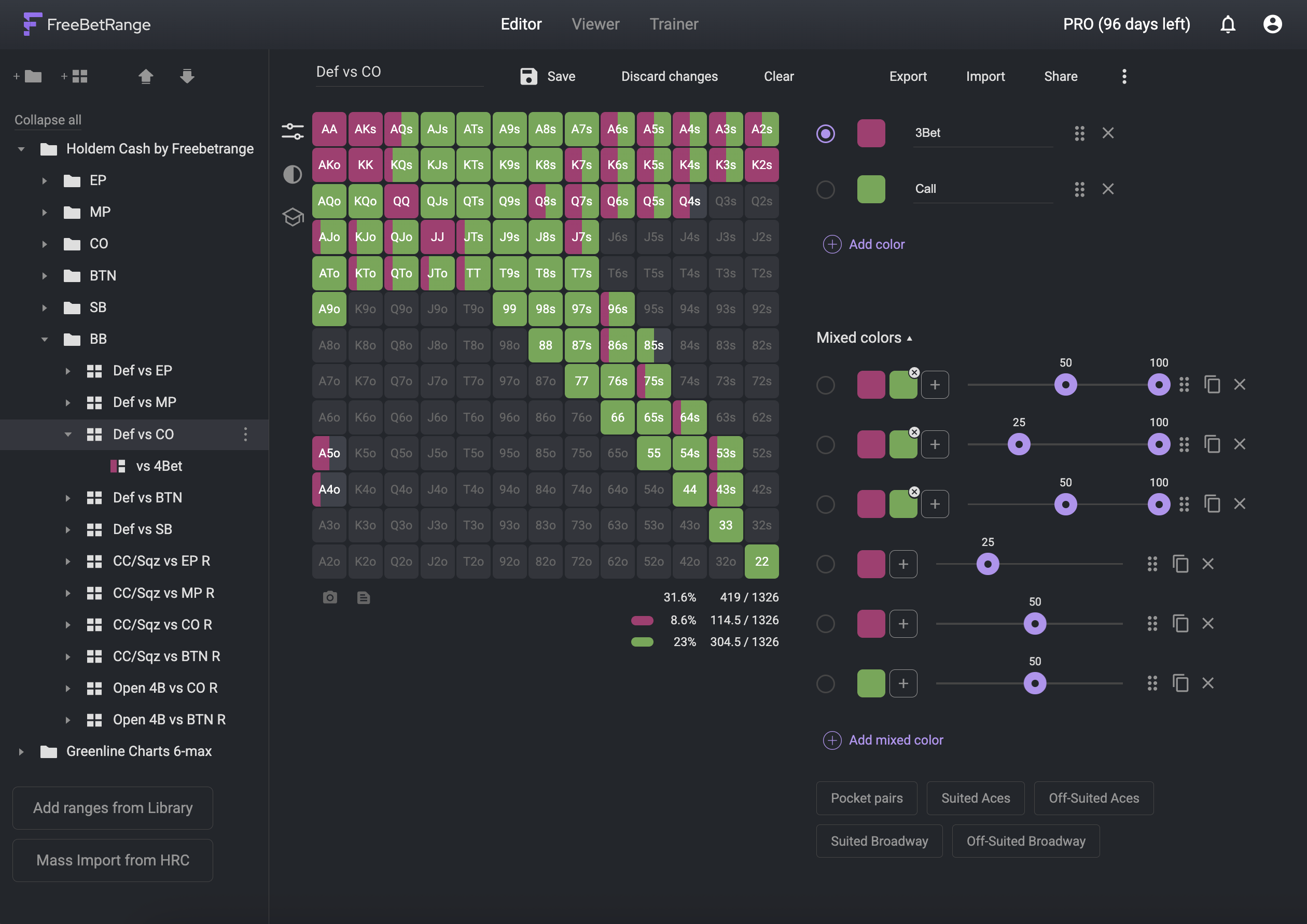
# Advanced Ranges
Edit, Import, and View ranges that have more than 2 colors and/or weighted cells.
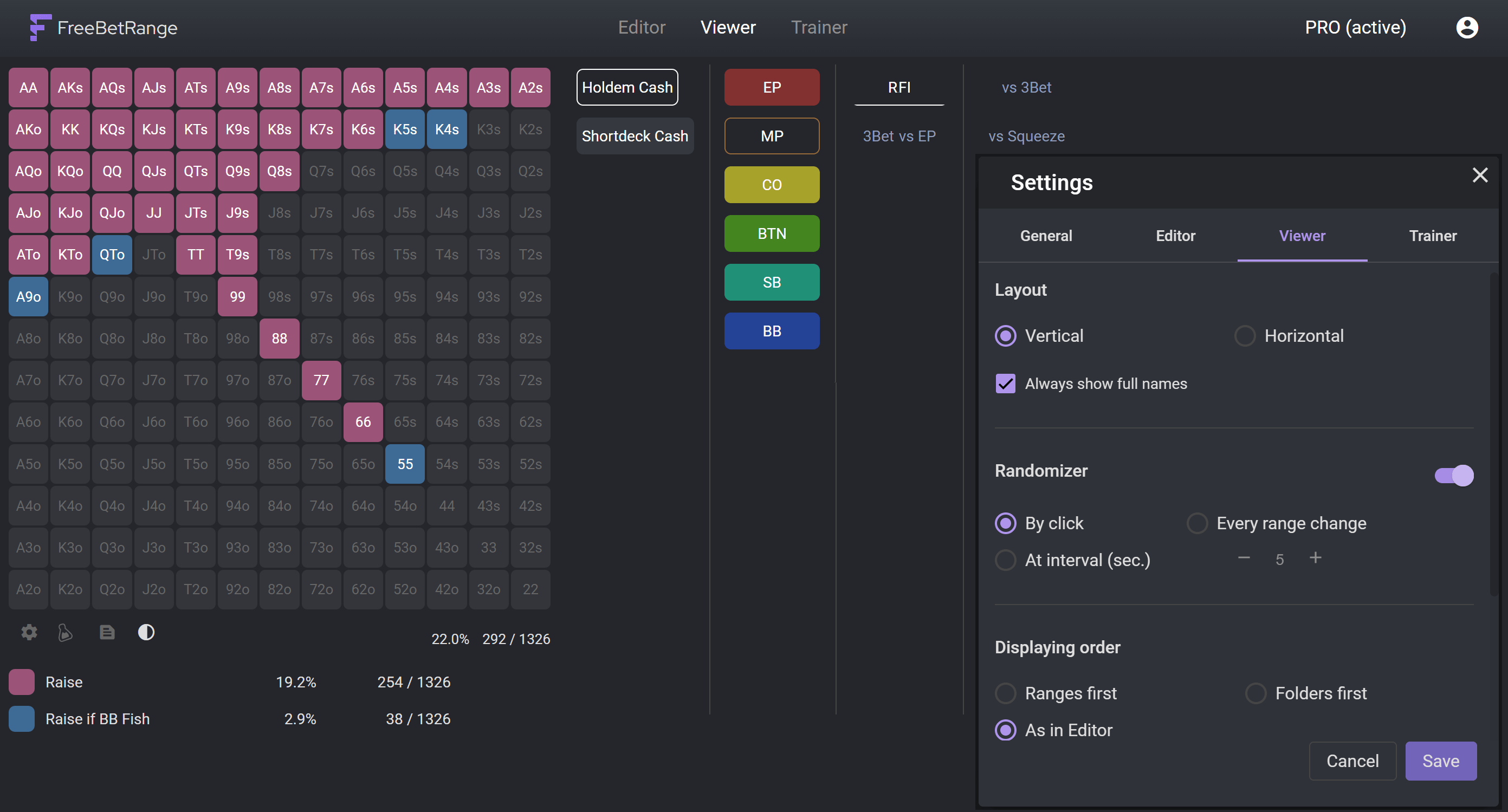
# 👀 Advanced Viewer
Configure orientation, colors and more. Use Randomizer to follow frequencies thoroughly.
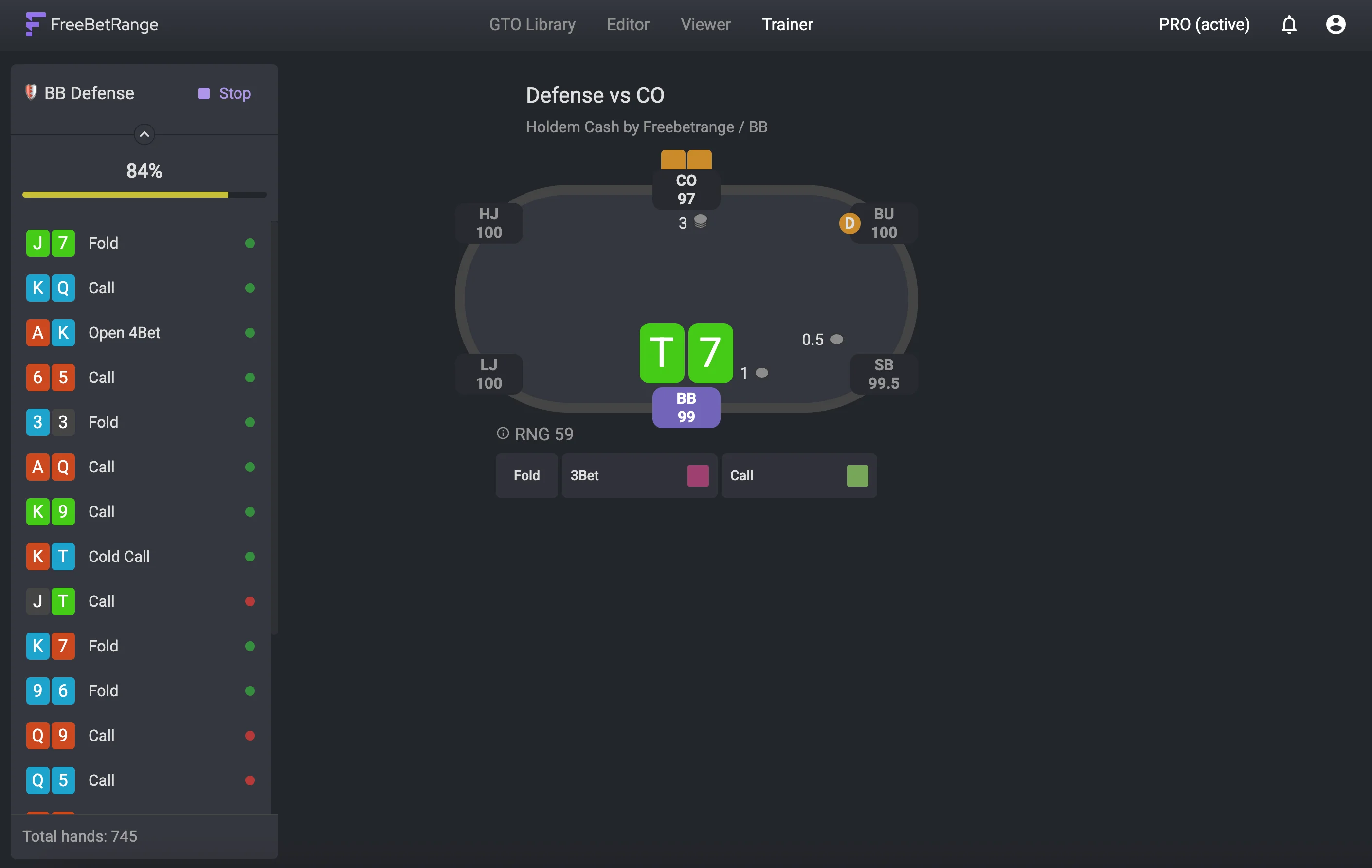
# Unlimited Trainer
Practice without limits in two training modes. Free version gives you 50 hands and 5 ranges per day. With Pro — no limits at all.
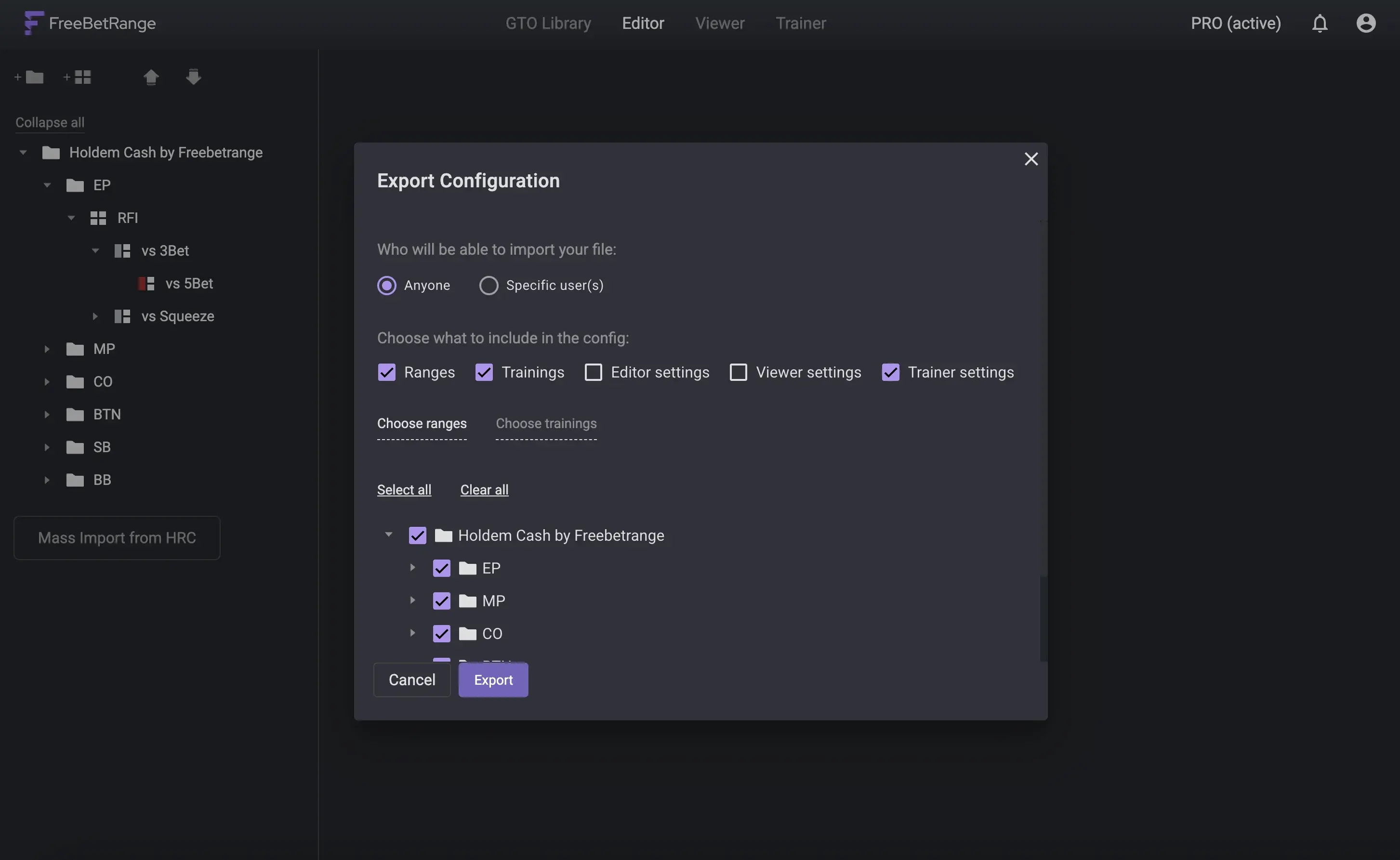
# Configuration Export
Share all of your ranges and training drills with friends, colleagues and students with one click.
# Mass Import from HRC
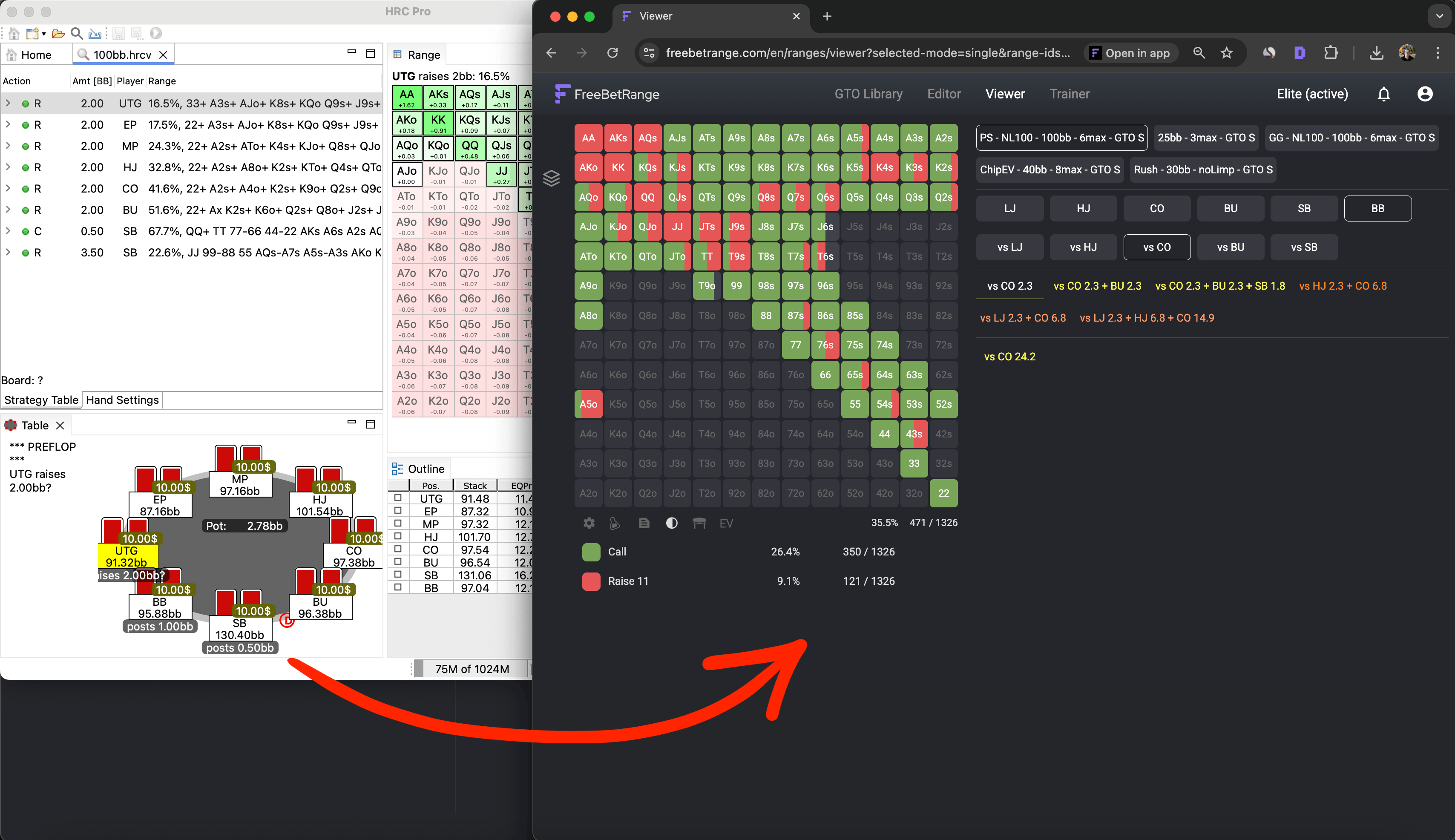
Import your solutions from Holdem Resources Calculator (HRC) to FreeBetRange. Learn more →
# Up to 10,000 ranges in your account
Enjoy an increased storage limit compared to the Free plan (5,000). You can keep up to 10,000 ranges in your account at the same time, giving you more flexibility for analysis, study, and training.
# Elite
Elite includes everything in Pro, plus:
# Import Hands
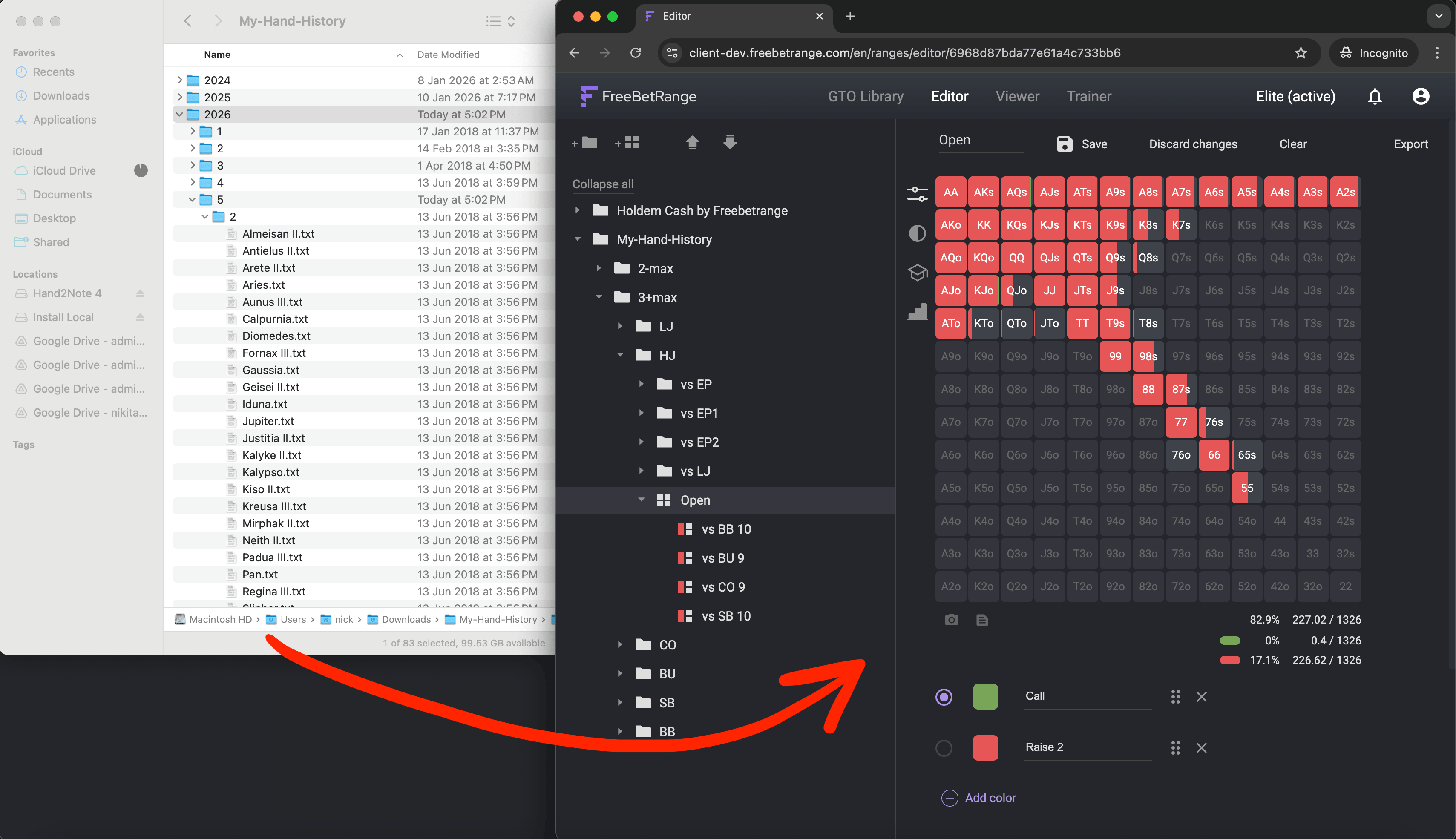
Upload your hand history and build a ranges tree of your actual preflop play. Learn more →
# MDA
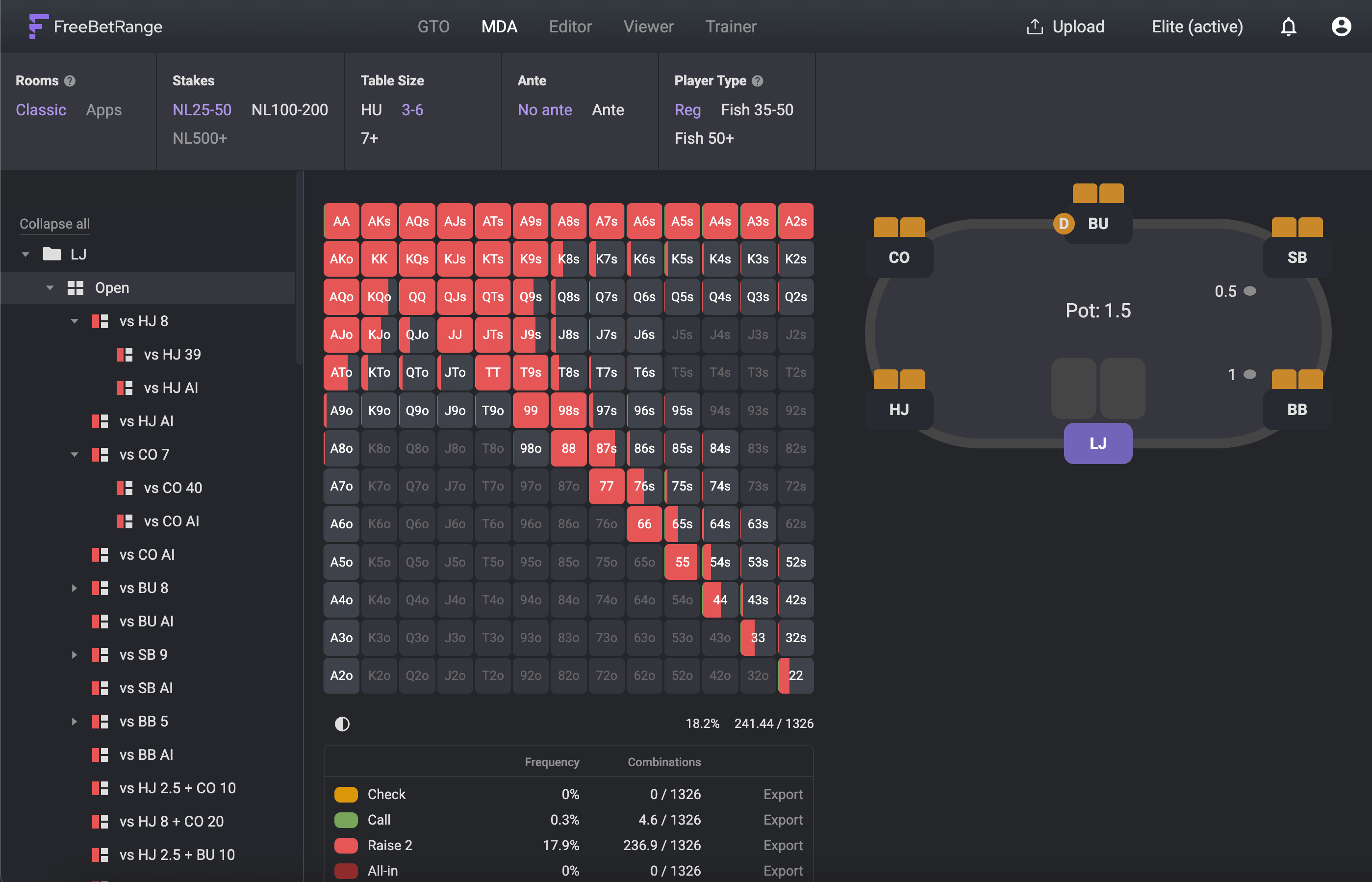
Explore MDA preflop ranges built from real hand-history data and browse full decision trees for each player archetype. Learn more →
In MDA section, export limits depend on billing period:
- In the monthly Elite plan, you can export up to 100 ranges per month.
- In the yearly Elite plan, exports are unlimited.
# Up to 25,000 ranges in your account
Enjoy an increased storage limit compared to the Pro plan (10,000). You can keep up to 25,000 ranges in your account at the same time.
# FAQ
# 1. How can I upgrade to a paid plan?
Click Upgrade in the top-right corner. On the next screen, select Pro or Elite, choose your billing period (monthly or yearly), then enter your payment details to complete the checkout.
# 2. How fast is my paid plan activated after payment?
Payments are processed automatically, so your Pro/Elite license is activated instantly after checkout.
# 3. If I cancel my plan, will I lose my ranges?
No, all your ranges will be in place. However, you will lose access to the features included in your plan. You can restore access at any time by resubscribing.
# 4. Is it possible to buy a lifetime license?
No, we do not offer lifetime licenses. The software requires ongoing maintenance and updates. All future updates and improvements are already included in your active subscription at no extra cost.
# 5. How can I modify or cancel my subscription?
Open the Billing page — you can access it by clicking your plan badge in the top-right corner (e.g. Pro (active) or Elite (active)) or by selecting Billing from the user menu. There you can manage your subscription: switch from monthly to yearly, or cancel it.
If you cancel, future auto-renewals will stop. Your paid access will remain active until your next billing date, after which you will return to the Free plan.